Five Office Jobs to Automate First With n8n
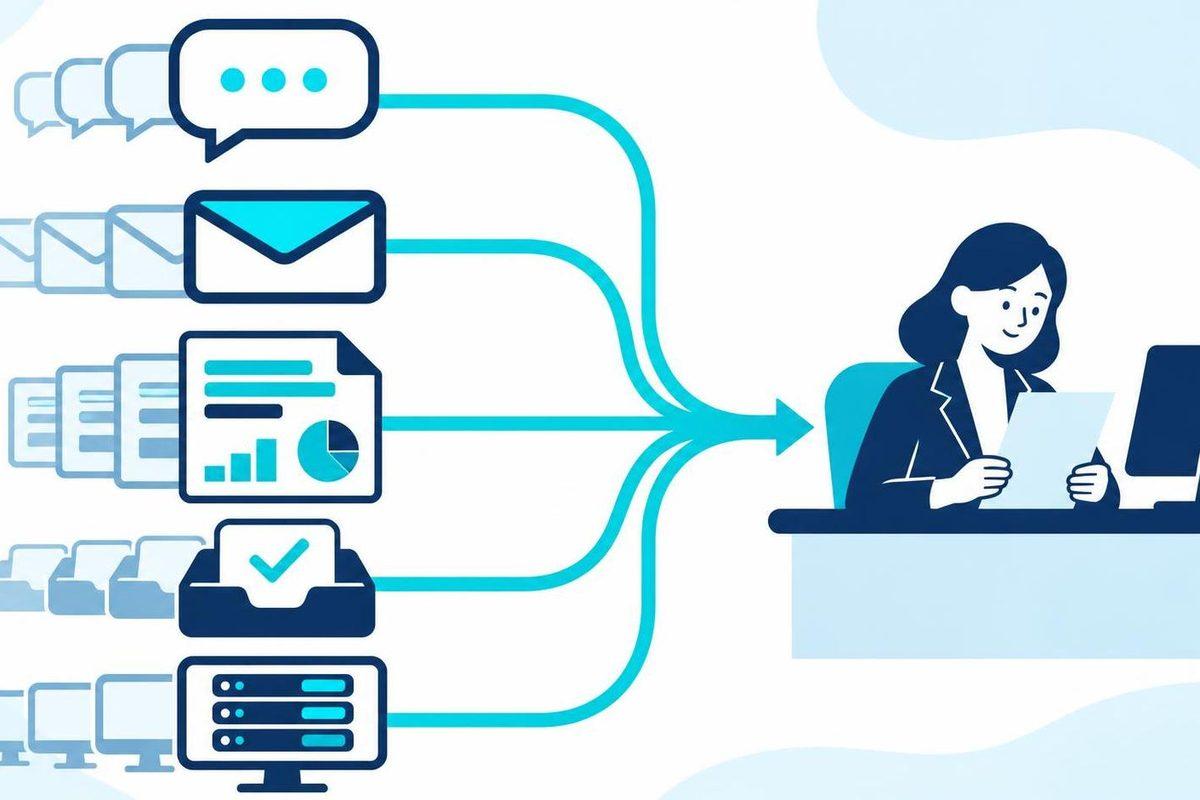
You open the office WhatsApp to an enquiry that arrived after closing. A follow-up is due, but first you need to check whether the customer has replied. Then a colleague asks what happened to yesterday's failed job.
This is a fictional morning, but it gives you a useful place to start: which of those jobs has clear enough rules to automate?
At Cortex Solution, our own AI office handles WhatsApp replies on day and night shifts, prepares follow-ups and runs daily stand-ups from job records. The five jobs below draw on that work.
Our business automation service includes n8n and custom workflows. These are starting points we would discuss for your business, based on our AI office, not ready-made workflows or a claim that our internal jobs all run on n8n.
For each job, we set out the manual steps we would aim to remove and how we would test the result. These are proposed scopes, not measured savings. Pick one with clear rules and someone responsible for handling exceptions.
1. Answer the routine enquiry, then stop at the handoff
In our office, WhatsApp has day and night shifts, with a team lead checking reply times and quality. That does not mean a person approves every live reply before it is sent.
For a first n8n project, we would propose a smaller boundary than “handle customer service”. Start with approved answers to routine questions. Route a request for a call or a custom quote to a person, carrying the details already supplied. Keep urgent support separate from new sales enquiries.
In n8n, that usually means a WhatsApp Trigger for incoming messages, a Switch node that sorts routine questions from call requests and urgent support, and a separate route for each, so the person receiving a handoff gets the conversation so far.
Before connecting anything, agree where enquiries go and who checks them. Route questions outside the approved answers to a person. We would check the specific software before confirming an integration, rather than treating our service description as proof it will connect.
The manual work to reduce: typing the same approved information and putting the enquiry together again for the next person. A person still needs to assess custom work.
Test with a fictional customer who asks a routine question, corrects a detail, then requests a call. Require the handoff to preserve the correction. Our after-hours WhatsApp article goes further into that boundary.
2. Prepare the follow-up without sending a stale message
Preparing follow-ups is one of the jobs in our own AI office. Prepared work, including follow-up drafts, is checked before it goes out.
For your workflow, we would begin with a review queue, not automatic chasing. Agree what makes a follow-up due and where the latest customer response is recorded. Propose a draft only when the record meets those rules. A person would check the context and approve sending.
In n8n, a Schedule Trigger can find the due items and prepare the drafts. A "send and wait for response" step, available on nodes such as Gmail and Slack, pauses the workflow until the reviewer approves or rejects each one.
Let the reviewer check the relevant source messages alongside the draft. Do not let an assistant turn “waiting for approval” into “customer has agreed”. If the record lacks a next action, ask its owner rather than guessing.
The manual work to reduce: finding due items and writing the first draft. The reviewer still decides whether contacting the customer makes sense.
In the acceptance test, add a reply after the draft is prepared but before approval. Require a fresh check before sending, with the old draft held if its basis changed. Also test a cancelled enquiry. A workflow that sends every due draft has not met this scope.
3. Build the daily report from job records
Each team in our office holds a daily stand-up using real job records: what ran, what is due and what is blocked. The earlier AI office post explains why we use records rather than an assistant's recollection.
For a small business, we would scope a scheduled report from one agreed source first. That might be the existing task system. Name which statuses count as completed, failed or waiting, and decide the reporting cut-off. Link each exception back to its record.
In n8n, a Schedule Trigger at the cut-off reads the records, through the task system's own node or an HTTP Request, groups them by status and sends one report. An IF node can stop the report and raise a warning when the source returns nothing.
Require missing source data to be shown as unavailable. An empty response must not become “nothing failed”. Keep a summary separate from the evidence it summarises, so the reader can inspect a surprising statement.
The manual work to reduce: opening each job to assemble the morning report and asking colleagues to repeat recorded information. Leave discussion of blockers with the people who can resolve them.
Test a failed job alongside a completed one. Then make the source unavailable. We would reject a report that looks successful in both cases.
4. Collect decisions into a digest, not another chat stream
In our office, decisions go through one personal assistant. It sends updates in the morning, at lunchtime and in the evening, only when there is something new. Urgent events, such as a site going down, still come through straight away.
For a proposed n8n workflow, agree which records need a decision and which are merely notifications. Collect the pending decisions into an update at a schedule the owner chooses. Give each item a reference and a route to approve, reject or ask for a change.
In n8n, one Schedule Trigger can hold several times of day. A Wait node set to resume on a webhook call gives each item its own approve or reject link, and the workflow reads the record again when the link is used.
Require the digest to point to the current record. If approval happens elsewhere, the old message must not authorise the work again. Define urgency separately; calling everything urgent defeats the point.
The manual work to reduce: checking scattered messages to find those that need action. The owner still makes the decision.
Test an item approved between digest preparation and review. Require the workflow to recognise that it has already been handled. Also test a rejected item: rejection must stop the proposed action, not merely dismiss a notification.
5. Collect overnight checks for the morning owner
Our AI office's night shift watches websites and servers, tidies the disk and reports in the morning. That does not mean every site is covered or every incident is repaired automatically.
For a first customer workflow, we would keep the scope to collecting agreed monitoring results, routing urgent failures and preparing a morning report. List the services covered and name the person who receives each alert. Leave automatic restarts and deletion outside this first scope.
In n8n, Schedule Triggers run the checks overnight, and an error workflow, started by the Error Trigger node, tells someone when a check itself failed to run, not only when a site is down.
Require the report to distinguish a successful check from a check that did not run. Agree how repeated failures should be grouped, and what information the responsible person needs to investigate.
The manual work to reduce: gathering routine overnight results before deciding what needs attention. Investigation and recovery still need an owner.
In a test environment, make one check fail and another return no result. Follow the alert to its destination. Do not accept a green morning report simply because no failure message arrived.
Choose one job and measure the work left behind
Do not commission all five at once. Our AI office approach starts with one or two jobs, adding more once those run well.
Before a build, observe the chosen job manually. Record what the person does, including checking exceptions. After the pilot, compare the same work with automation in place. Count review and recovery effort too; do not call a draft a saving if someone must reconstruct its context before using it.
Before connecting customer records, agree which details the workflow needs, who may access them and when copies should be deleted. Review any proposed third-party destination first; do not copy entire conversations into extra tools by default.
n8n can also be self-hosted, so the workflow and the records it handles can stay on a server you control.
Ask for a demonstration using fictional records, including a failure and a repeated attempt. Name who may pause the workflow and who resolves items held for review. Bring those boundaries to the discussion rather than asking to “automate the office”.
FAQ
Can automation separate urgent WhatsApp requests from general questions?
We would define different routes and test them separately. A general FAQ can use an approved answer; an urgent support request needs a named recipient. A request for a person should not restart qualification questions.
Do we need AI office staff for all five jobs?
We would use fixed rules where the job only needs a known status checked or a record moved. Consider AI for a draft or summary that needs language understanding, with a defined review boundary. Do not add it just to make the workflow sound more advanced.
What should we bring to the first conversation?
Bring one fictional example of the repetitive job, the tools involved and an exception the workflow must stop for. Keep private customer messages and credentials out of the demo material.
Book a free consultation with Cortex Solution and bring the office job you would most like to stop doing by hand.
Ready to apply these insights?
Our team can help you implement these strategies and solve your specific challenges.
Schedule a ConsultationNeed this for your business? See our web, mobile and automation services.
See how we implement this
What Running an AI Office Taught Us About Handing Work to AI
One job per AI, a supervisor check before anything goes out, memory resets before it gets costly, and stand-ups from real records: lessons from our own AI office.
Connect the Systems You Have Before Building Another App
Keep the tools that work. Start with one handoff, decide who owns each field, and make failed transfers visible before connecting more.
A WhatsApp Enquiry at Night Should Be Ready for a Person
How we would scope after-hours WhatsApp enquiries in English, Malay and Chinese, so a request for a person does not become another questionnaire.
Turning Notifications Into Tasks Without Internet Permission
ClearNext keeps notification analysis on your Android phone and asks before adding a task. Here is where we draw the limits on access and automation.