
Mochi Hatch
A gentle pet game · Ages 4–10
Hatch, play & grow
Hatch an egg and meet your pet. Feed it, bathe it, play with it, and grow a garden — with no ads, no purchases, no internet, and no way to lose.
Fully offline · Seven languages
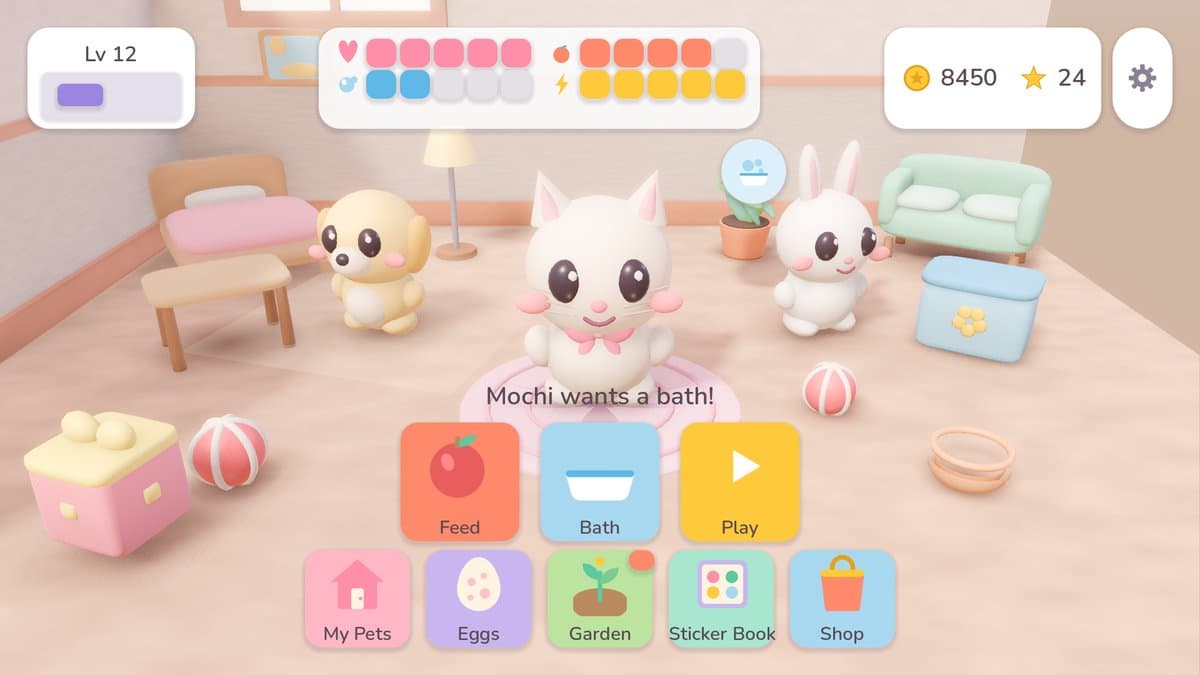
Made for small hands
Every button is large, every action is one tap, and no reading is needed to play. There is no timer, no way to lose, and no mistake that cannot be undone.
Nothing is ever sad for long
A pet bounces back quickly, and a crop never dies — leave the garden for a week and it is simply ready when you come back.
The coins are pretend
Coins and stars are earned by playing and cannot be bought. There is no real money anywhere in the game, and nothing to purchase by accident.
How a day goes
Tap an egg, meet a friend
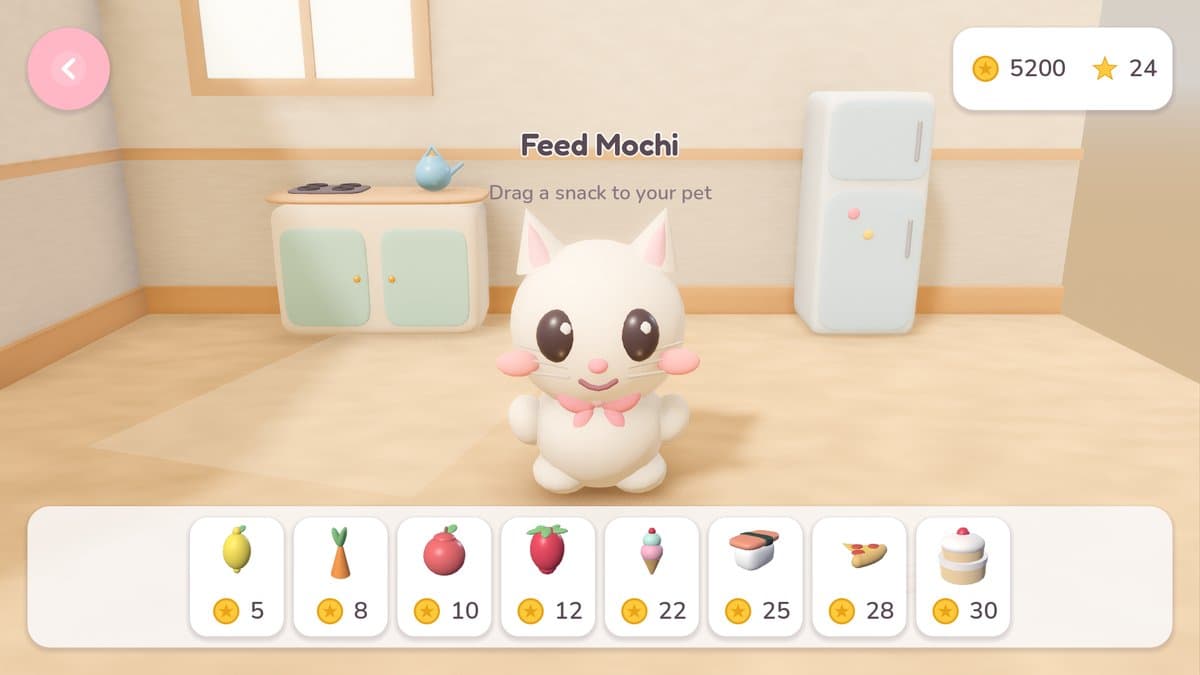
Eight pets to find across three eggs, each with its published odds. Feed them, bathe them, play five mini-games, and spend the pretend coins on furniture and outfits.
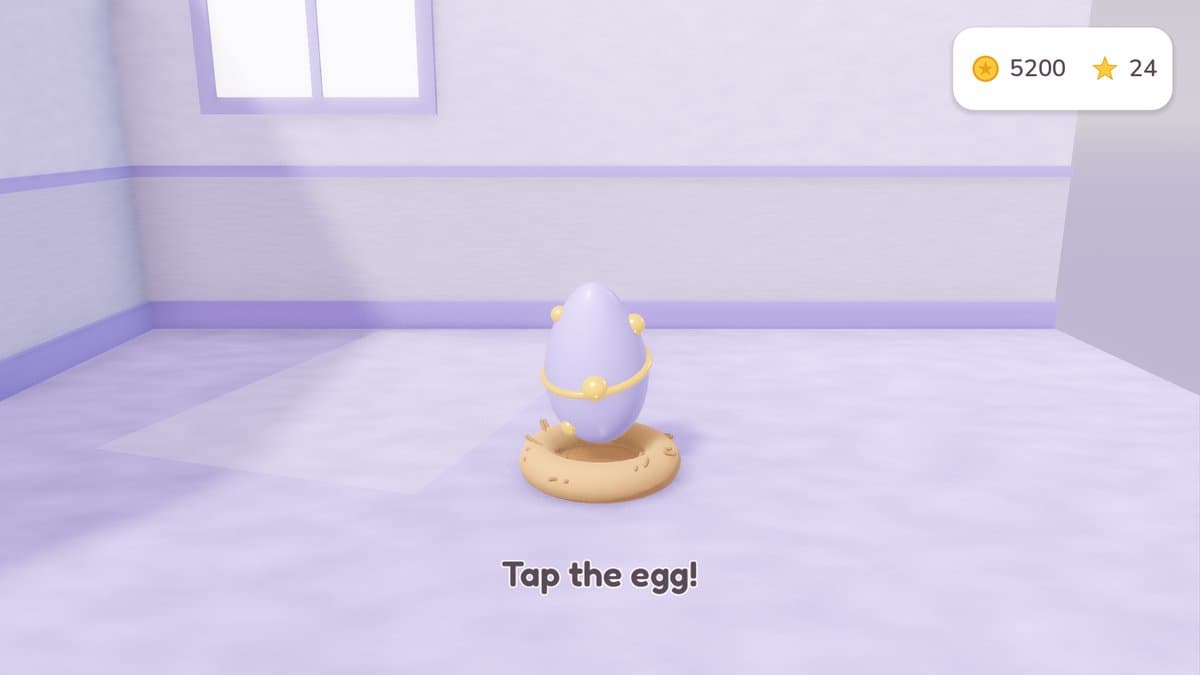
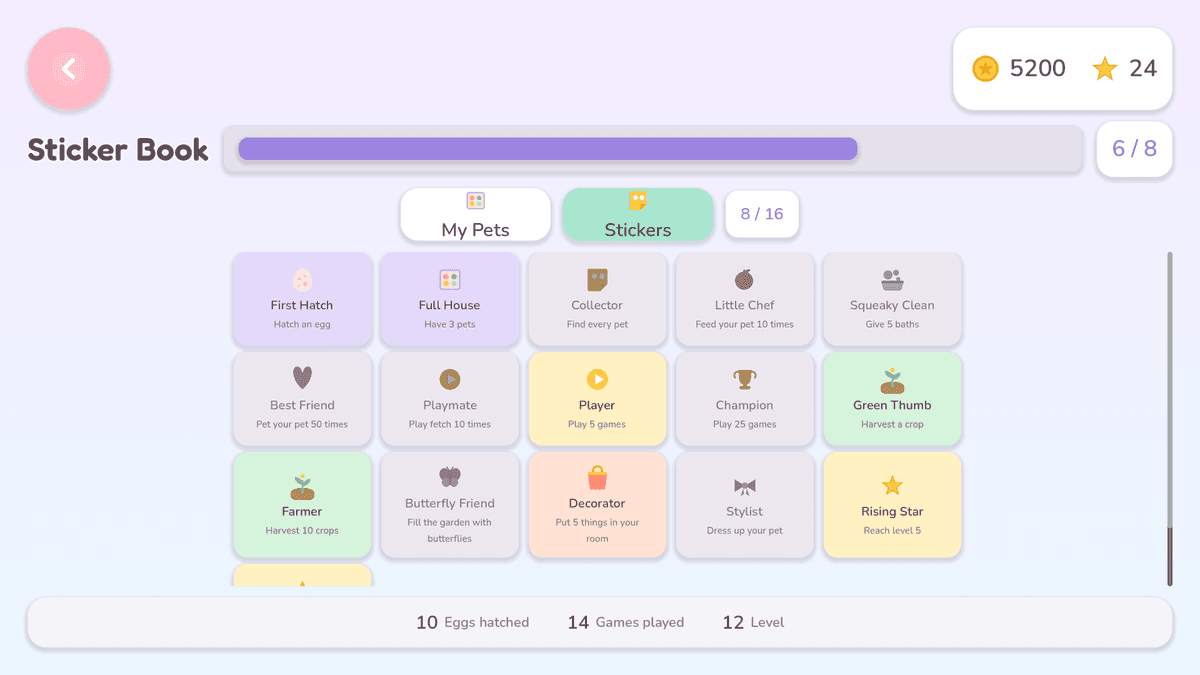
- Eight pets to hatch, each with its own egg odds
- Feed, bathe, brush and play — one tap each
- Five mini-games: Bubble Pop, Catch Food, Color Sort, Memory Match and Peekaboo
- A room to decorate with furniture earned in play
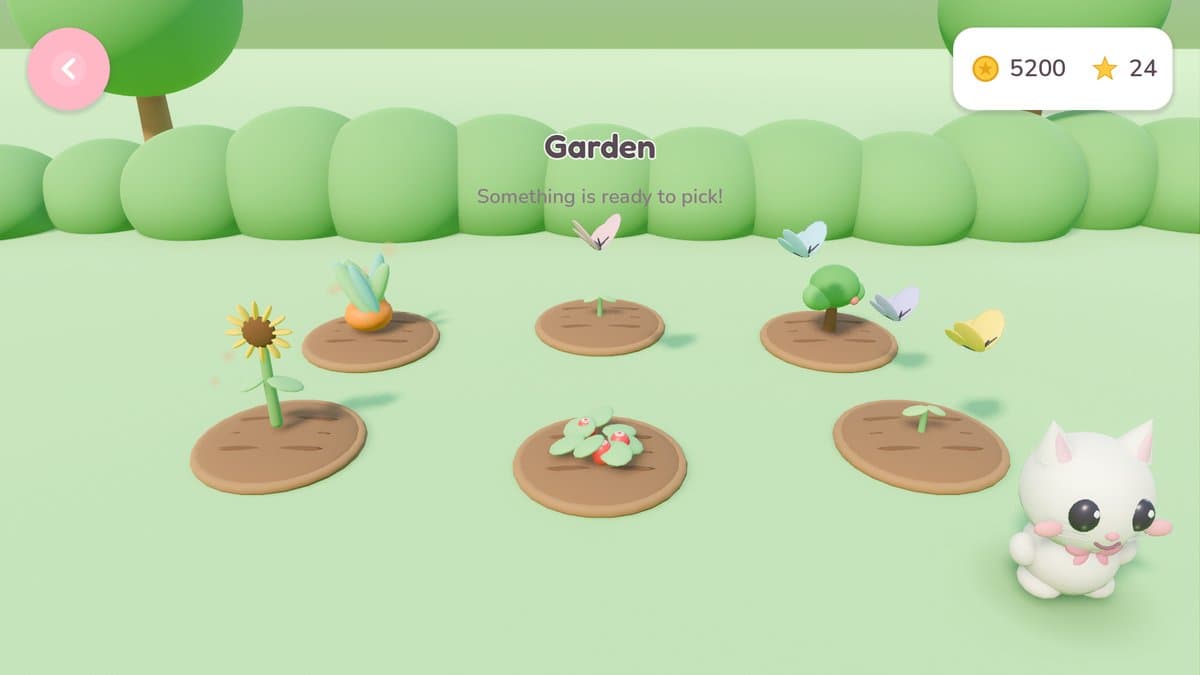
- A garden of carrots, strawberries, apples and sunflowers that grows on real time
- A sticker book of achievements to fill
- Seven languages, behind a parent gate
For parents
Safe by design, and checkable
Most children's games promise safety in a settings page. Mochi Hatch builds it into what the app is allowed to do: on Android it requests no permissions at all — not even internet access — so the operating system itself prevents anything from leaving the device.
You can verify that on the phone in your hand: Settings → Apps → Mochi Hatch → Permissions. The list is empty.
- No advertising of any kind
- No in-app purchases and no real money anywhere
- No internet access — the app requests zero permissions
- No accounts, no sign-up, nothing collected
- No links out of the app
- Language settings sit behind a parent gate
Plays anywhere
On a plane, in a car, or anywhere with no signal. Nothing downloads and nothing syncs, because nothing needs to.
Progress stays put
The game saves to one file in its own private storage on the device. It never leaves, and uninstalling removes it.
Made with care
Eighteen screens, eight pets and a garden that grows on real time — gentle on purpose, with nothing designed to hook.
Questions parents ask
Is Mochi Hatch really free of ads and purchases?
Yes. There is no advertising, no in-app purchase and no real money anywhere in the game. The coins and stars are pretend: they are earned by playing and cannot be bought.
Does it need the internet?
No. The game is fully offline, and on Android it declares no permissions at all — not even internet access — so the operating system prevents it from making any network connection. It plays the same on a plane as on the sofa.
What does it collect about my child?
Nothing. There is no account, no sign-up, no analytics and no tracking. Progress is saved to one file in the app's own private storage, and uninstalling deletes it.
What ages is it for?
Ages 4 to 10. No reading is required to play, every action is a single tap, and there is no way to lose or to break anything.
Can my child change settings on their own?
Settings a child should not change alone, such as the language, sit behind a parent gate — a small arithmetic question that young children cannot answer.
What languages does it speak?
English, Simplified Chinese, Traditional Chinese, Malay, Japanese, Korean and Spanish.

Small steps, soft landings
A pet game a four-year-old can play alone and a parent does not have to watch like a hawk. No ads, no purchases, no internet.