No Account, No Server: What a Local-First App Trades
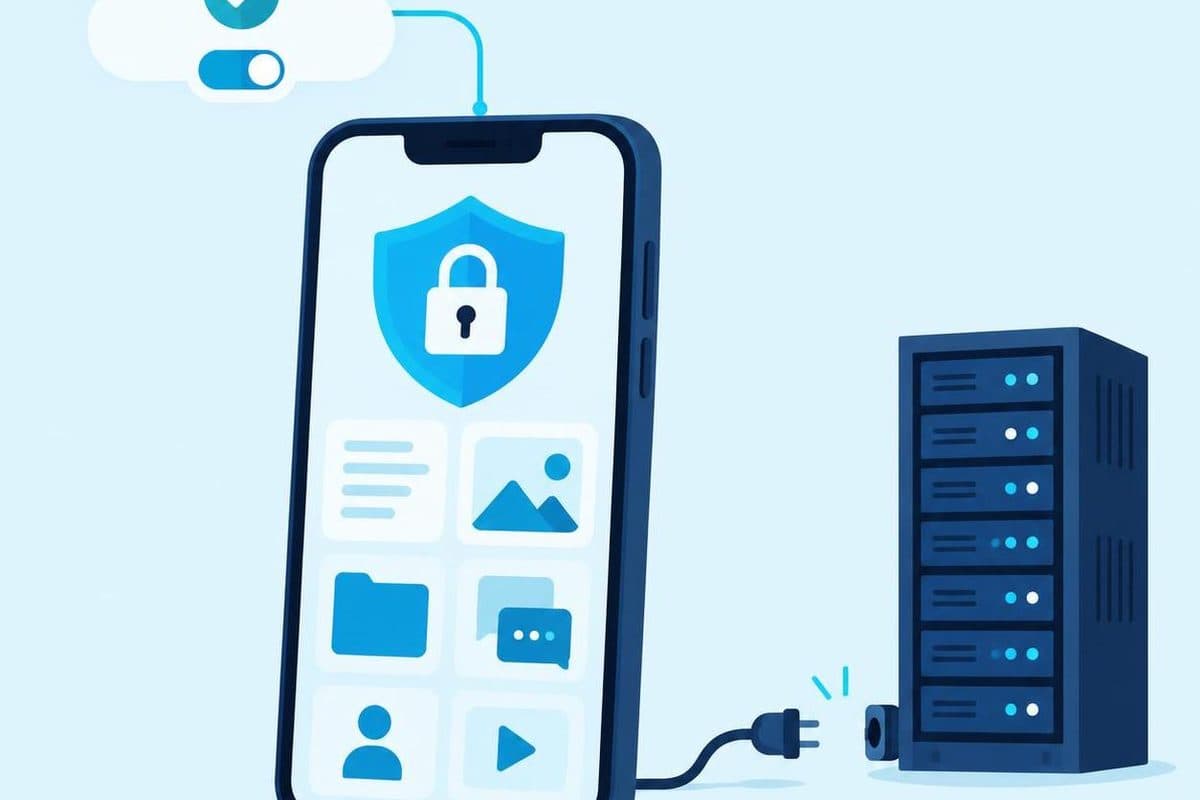
A Daybook user replaces an iPhone, opens the app on the new one and looks for the sign-in screen. There is not one. Daybook has no account to sign back into and no Cortex Solution server holding a copy of the user's records.
That is the useful part of an accountless app and the uncomfortable part, in the same moment. The user did not have to hand us a name, email address, bank login or spending history. Recovery now depends on the backup the user controls.
We made versions of this choice in Daybook, a money tracker, and Viora, a general wellness app. Both keep their main data on the phone. They do not pretend that this removes every trade-off or every network request. Building without our own user account and data server changes where responsibility sits, which features are easy, and what support can do when something goes wrong.
Remove the account only when the job allows it
An account should solve a real product problem. It should not appear because every app template starts with email and password fields.
Daybook records expenses and income, scans receipts, keeps budgets and splits bills. It does not connect to a bank. The records live in the app's storage on the iPhone, so someone can open it and start recording without registering first. Recording, receipt scanning and Apple Intelligence processing can work offline. The network is used for specific optional jobs such as an exchange-rate lookup, a cloud AI provider chosen by the user, or copying a backup to the user's iCloud.
Viora follows the same broad principle with more sensitive material. Body measurements, activity, sleep, meals, goals, progress photos and coach conversations are kept in a database on the device. With permission, it can read selected categories from Apple Health or Health Connect. There is still no Viora account and no Viora server holding the health record.
This approach fits because the phone can complete the main job by itself. If a product needs several people editing the same live record, a browser session on any device, or an office dashboard that must always have the latest data, removing the server may fight the product instead of helping it. In our mobile app work, “local first” is a scoping decision, not a badge we add after the architecture is settled.
“Stays on the phone” needs a precise sentence
We do not like the absolute claim that nothing ever leaves the device. It is easy to say and often false once backups, integrations or an AI feature are involved.
For Daybook, the core ledger and receipt photos stay in the app's storage, and we do not receive them. Backup copies are written to the user's own iCloud Drive by default unless that option is switched off. Exchange-rate requests send currency codes and, for a past record, a date. A user can also choose to send a receipt photo or extracted receipt text to an AI provider under the user's own API key.
For Viora, two user-started actions leave the device. Asking the coach sends the question with a small set of derived figures, not the raw health record. Asking for a meal estimate sends the selected meal photo. The current provider receives no name, email address, device identifier or Viora account because the app has no account to send.
Those details belong on the product page and in the privacy policy, not behind a vague “privacy-first” label. Daybook's privacy policy lists each route separately. Viora's privacy policy separates meal photos from progress photos because meal photos can be sent for estimation while progress photos remain on the device.
The wording matters during development too. Once the team has promised “nothing leaves”, a useful backup or an optional integration looks like a broken promise. A narrower claim — what stays local, what can leave, who receives it and what starts the transfer — is easier to test and harder to misunderstand.
Give up automatic recovery, then build a visible backup path
When we do not hold the data, support cannot quietly restore it from our database. That boundary is real, not customer-service copy.
Daybook makes automatic local backups and copies record-only backups to the user's iCloud Drive by default. Those copies can survive the loss of the phone. Receipt photos are not included in those automatic iCloud copies; the user needs to export a full backup to take every receipt photo off the device. Without a backup, Cortex Solution has no server copy to recover.
Viora writes a weekly backup file into its folder on the device, and the phone's operating system may include the app data in its normal iOS or Android backup. Viora also lets the user export data to a file. Again, we hold no copy that support can retrieve.
This changes the product work. A backup control cannot be buried as an advanced extra. The app needs to say where the backup is, what it contains and what it does not contain. Restore needs to be tested on a clean device, not only on the phone used by the developer. Export also matters: Daybook provides CSV and JSON exports plus a full backup, while Viora provides an export file and an in-app delete path.
Accountless should never mean trapped. If the user cannot take the data out, the product has removed our access while keeping its own lock-in.
Accept the features that become harder
The missing account removes more than a login screen. It leaves design questions that a cloud account would otherwise answer.
How do two devices prove they belong to the same person? How does sharing identify another person and control access? How does a web dashboard receive the phone's current data? What can support inspect when the company deliberately holds no copy? These questions do not make local-first wrong. They are the work hidden behind a request to “add sync later”.
Possible designs include device-owned cloud storage, encrypted transfer or an explicit export. Each adds states the interface may need to explain: local, backed up, exported, restored, shared or waiting. If none of those states is visible, the architecture may be private while the experience is confusing.
We would rather leave out a cloud feature than add an account whose purpose we cannot explain. But we would also choose a server when collaboration, continuity across devices or managed recovery is central to the job. Our custom software service is built around how a business actually works, rather than forcing its workflow into a template. The data design has to follow that work.
Decide from the failure case, not the feature list
The useful design question is not “Can this app work without a server?” Ask what should happen in the failure case.
- The phone is lost before the latest backup.
- The user deletes the app and then asks support to restore it.
- A cloud AI request fails after the local scan succeeded.
- Health permission is refused for one category.
- The user wants the same record on a second device.
- An export completes, but the user does not know where the file went.
For every case, decide who owns the next action and what the screen says. In Daybook, no backup means we cannot recover the records. In Viora, refusing a health category leaves the app working rather than blocking setup. These are product behaviours, not footnotes.
That is also where a local-first build earns or loses trust. The architecture is not enough. The app has to state its limits before the user discovers them with a missing phone or an empty new device.
FAQ
Does an app without an account always work offline?
No. Accountless and offline are separate decisions. Daybook can record and scan offline, but optional exchange-rate, cloud AI and iCloud backup actions use a network. Viora keeps its main record locally, while coach questions and meal-photo estimates are sent only when the user starts them.
Is local-first the same as keeping every byte on one device?
Not necessarily. Daybook can copy backups to the user's iCloud Drive, and the phone's operating system may back up Viora data. The important questions are who controls the destination, whether Cortex Solution receives a copy and whether the user can turn the transfer off or avoid the feature.
Can Cortex Solution recover data from Daybook or Viora?
No. We do not operate a user-data server for either app. Recovery depends on the backups or exports available to the user.
Should every new app avoid accounts?
No. If shared records, web access, cross-device continuity or managed recovery are core requirements, an account and server may be the clearer design. Remove them only when the main job still works and the backup story is honest.
Planning an app and unsure whether its data belongs on the device, in the cloud or in both? Book a free consultation with Cortex Solution.
Ready to apply these insights?
Our team can help you implement these strategies and solve your specific challenges.
Schedule a ConsultationSee how we implement this
Why Construction Clock-In Apps Must Work Without Signal
A site attendance app cannot treat poor coverage as an edge case. Here is how we designed SiteClock to capture a complete clock-in before the network comes back.
Custom Software or SaaS? How a Malaysian SME Can Decide
Off-the-shelf tools work until they don't. Here's when it makes sense to invest in custom software — and when it doesn't.
How We Scope a Software Project (And Why We Give Fixed Prices)
Most dev shops bill by the hour. We don't. Here's how we estimate projects and why fixed pricing works better for everyone.
Employment Act Overtime and Rest-Day Pay From Clock-Ins
How overtime and rest-day pay work under the Employment Act in Peninsular Malaysia and Labuan—and why payroll needs clean clock-in data.