A Sunsama alternative that plans around your meetings
Sunsama is a well-regarded daily planner. It guides you through a morning ritual: pull in tasks, look at your calendar, and decide what fits. If that ritual works for you, it is a good tool.
Some people want less ceremony and a lower price. That is where Dayward comes in.
What Sunsama does well
Sunsama has a wide set of integrations. Its pricing page lists tools like Asana, ClickUp, Jira, Linear, Notion, Slack, Todoist and Trello. It also has apps for iOS, iPadOS, Android, macOS, Windows and Linux. If your tasks come from many work tools and you plan on a desktop, Sunsama is stronger than Dayward there.
It costs $17 per month billed yearly, or $22 per month billed monthly, with a 14-day free trial, according to the same page.
What Dayward does differently
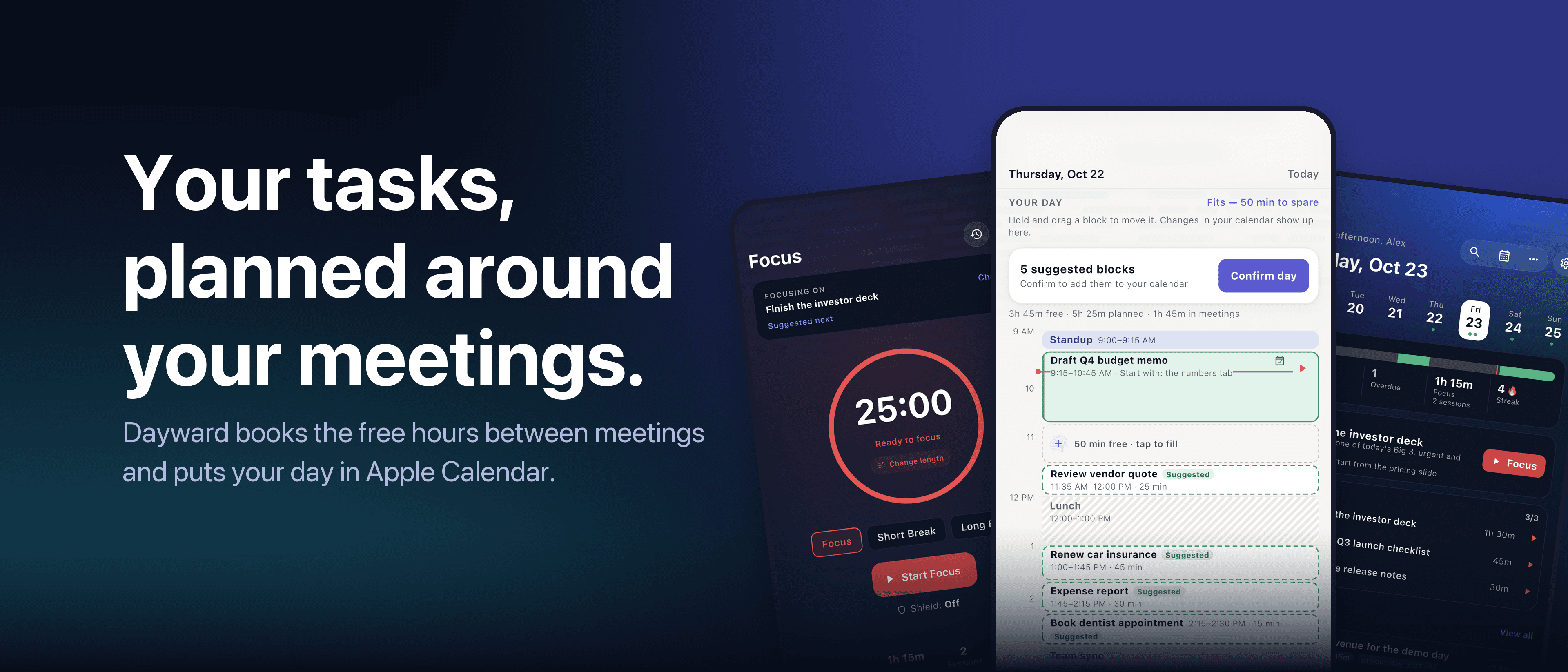
In Sunsama you drag tasks into your day yourself, as part of the planning ritual. Dayward does the placing for you. It reads your real Apple Calendar, finds the free time between meetings, and schedules your tasks into it as time blocks sized from your estimates.
Anything that does not fit is listed, so you choose what moves to tomorrow. Confirm day then writes the plan into your calendar, with two-way sync.
It also learns how long your tasks actually take, has a focus (Pomodoro) timer, and shows Insights on how your days went. All-day events, such as a training day, can be marked busy between two times, so the planner does not treat the whole day as free.
Side by side
| Dayward | Sunsama | |
|---|---|---|
| Planning style | Automatic: tasks placed into your gaps, you adjust | Guided: you plan your day step by step |
| Platforms | iPhone and iPad | iOS, iPadOS, Android, macOS, Windows, Linux |
| Work-tool integrations | Apple Reminders, Microsoft To Do, Google Tasks | About 20, including Jira, Notion, Slack, Trello |
| Free option | Free to start | 14-day free trial |
| Price | Pro: $2.99/month, $19.99/year (7-day free trial) or $49.99 lifetime | $22/month, or $17/month billed yearly |
Who should pick which
Pick Sunsama if you use many team tools, want a desktop-first workflow, or enjoy a guided planning ritual each day.
Pick Dayward if you carry an iPhone, your life is in Apple Calendar, and you want the plan built from your real free time with as little effort as possible. It is also the cheaper choice if you want a one-time purchase.
Dayward is iOS only and has no team features.
See your own day
The planner, calendar sync and focus timer are free, so you can compare on a real week of meetings.
Read next: How to plan your day around your meetings
All articles · Dayward · Privacy · Terms
The Cortex Solution blog