A Motion alternative for iPhone: plan around the calendar you already have
Motion is an AI calendar and project tool. It auto-schedules tasks, and it is built for teams as much as for individuals. If you are one person with a meeting-heavy calendar and an iPhone, you may want something smaller.
This page compares the two honestly, so you can pick the one that fits.
What Motion does well
Motion goes far beyond a day planner. It has projects, team workflows, docs, and AI features, with apps for iOS, Android and desktop. If your team needs shared projects and one place to run them, Motion covers ground that Dayward does not try to cover.
It is also a paid product. According to its pricing page, it offers a free trial, then paid plans priced per seat. Check that page for the current price for your billing period.
What Dayward does
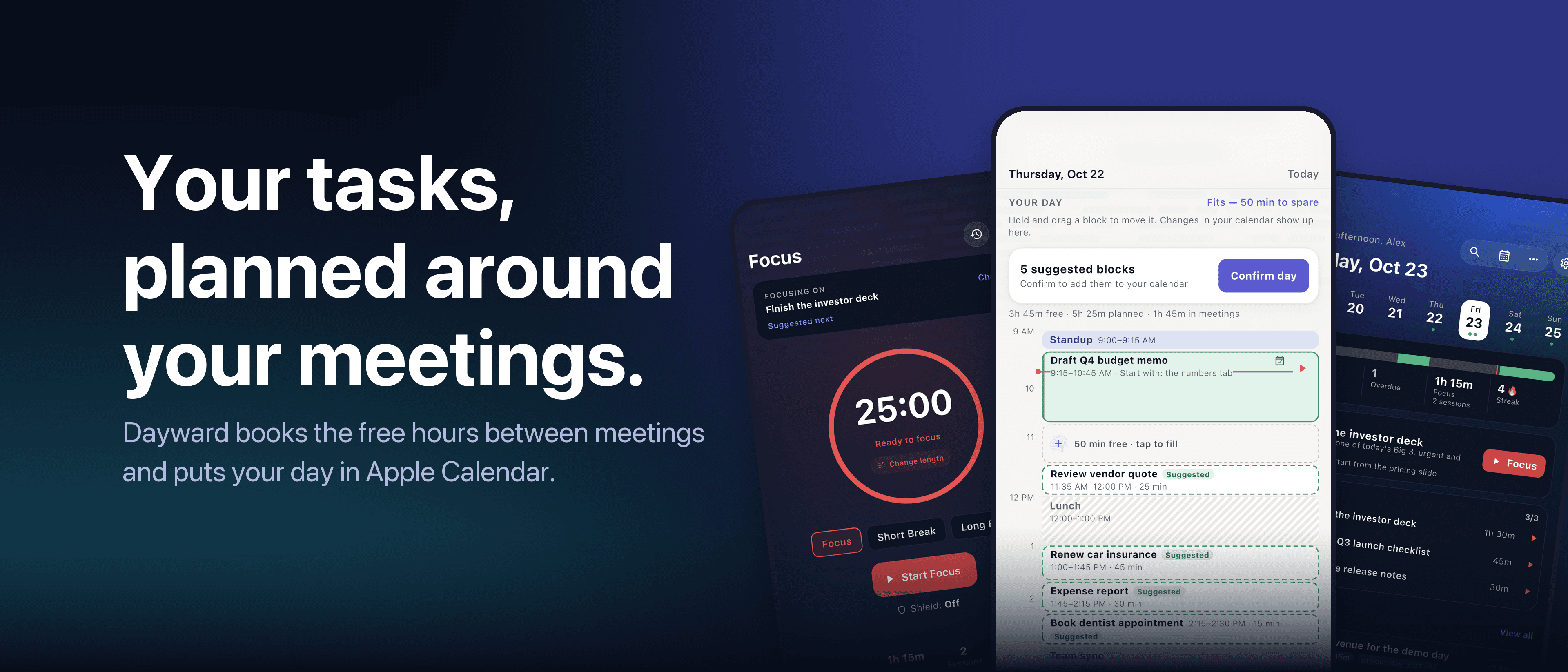
Dayward is a day planner for one person. It reads your real Apple Calendar, finds the free time between your meetings, and schedules your tasks into those gaps as time blocks. Tasks that do not fit are shown, not hidden, so you decide at 9 am what moves to tomorrow.
When the plan looks right, Confirm day writes the blocks into your calendar. Changes you make in Calendar show up in Dayward too.
It learns how long your tasks really take, so the next plan is more realistic. It also has a focus (Pomodoro) timer and an Insights view.
Side by side
| Dayward | Motion | |
|---|---|---|
| Built for | One person with a full calendar | Individuals and teams |
| Platforms | iPhone and iPad | iOS, Android and desktop |
| Team features | No | Yes, projects and shared workflows |
| Task apps | Optional sync with Apple Reminders, Microsoft To Do, Google Tasks | Its own task and project system |
| Price | Free to start. Pro: $2.99/month, $19.99/year (7-day free trial) or $49.99 lifetime | Free trial, then paid per-seat plans (see their site) |
Who should pick which
Pick Motion if you manage projects with a team, need Android or desktop apps, or want an all-in-one work tool with AI built in.
Pick Dayward if you work alone on your own tasks, live in Apple Calendar, and mostly need one answer each morning: what can I do between these meetings? It is built for the iPhone, needs no account, and keeps your data on your device and in iCloud.
Dayward is iOS only. If you need Android or Windows, it is not the right tool.
Try it on today's calendar
The planner, calendar sync and focus timer are free. You can see your own day planned in a few minutes and decide for yourself.
Read next: How to plan your day around your meetings
All articles · Dayward · Privacy · Terms
The Cortex Solution blog