How to Automate WhatsApp Enquiries Without Sounding Like a Bot
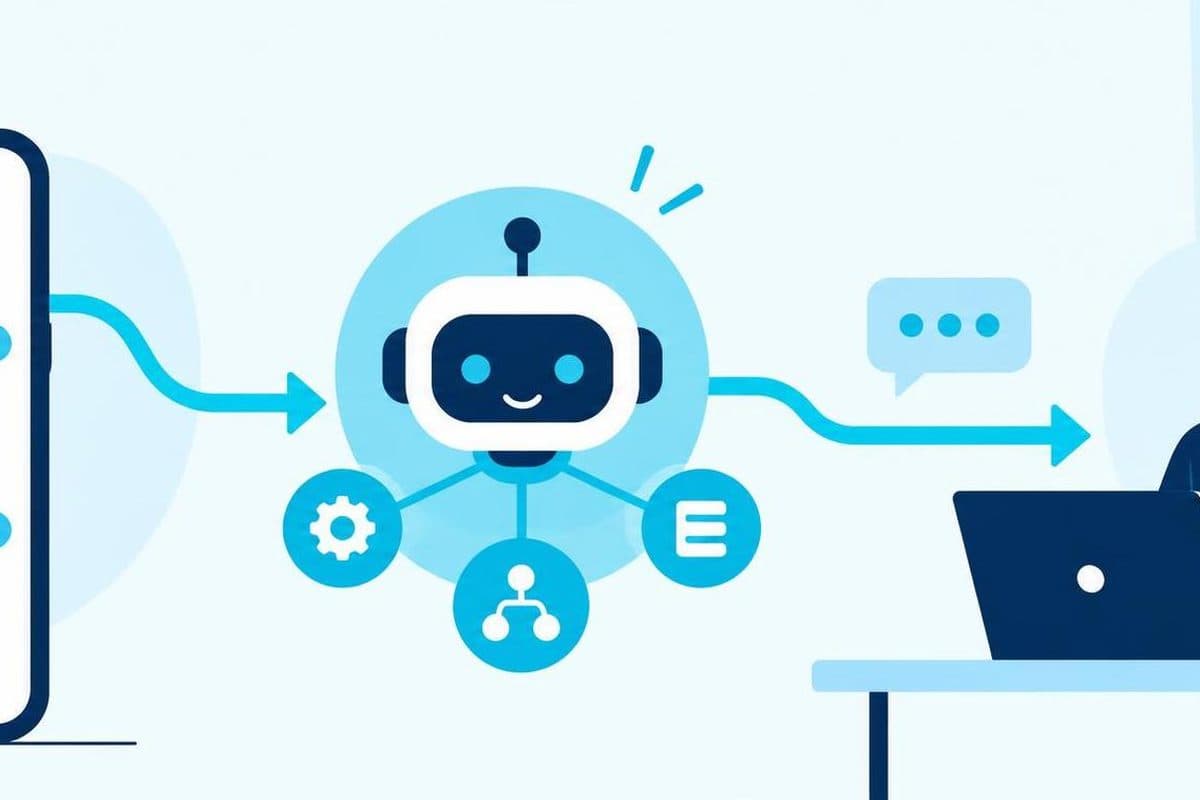
At 9:47pm, someone messages a showroom: “Can this work for three outlets, and can you send me a quote?” The doors are closed. The salesperson is having dinner. An automated assistant replies immediately:
“Thank you for your interest. We offer innovative solutions tailored to your needs. How may we assist you today?”
The customer already said how they wanted help. The reply was fast, polite and useless.
This is the failure we try to avoid when designing a lead assistant. The difficult part is not making software produce a sentence. It is deciding what the assistant may say, what it needs to ask, where the answer comes from, and when a person should take over.
Give the assistant a smaller job than “sell”
“Handle sales enquiries” sounds like a clear brief. It is not. It could mean answering opening-hour questions, recommending a product, checking stock, estimating a project, negotiating a discount or promising a delivery date. Those actions do not carry the same risk.
We prefer a narrower first job:
- answer common questions from approved information;
- collect the few details needed to understand the enquiry;
- recognise when the question needs judgement; and
- pass a useful summary to the right person.
That boundary makes the conversation easier to write and easier to test. It also stops the assistant from pretending to know a price, deadline or policy that nobody has given it.
Cortex Solution offers agentic workflow and automation services, including custom automation tools and integration with existing business systems. For a lead assistant, the workflow matters as much as the generated reply. A pleasant message is not useful if the enquiry never reaches the sales queue.
Make every answer come from something the business owns
A lead assistant should have an approved source for each answer it gives. That source might be a service list, product catalogue, coverage area, opening-hours table, delivery policy or set of qualification rules. If the source has no answer, the assistant should say so and hand the question over.
We would not ask it to “use its best judgement” on prices, availability or delivery dates. That instruction sounds flexible, but it removes the exact boundary the business needs.
A better response is specific about uncertainty:
I can help with the standard packages, but this request needs a custom quote. May I get your company name and the number of outlets so our team can price it properly?
The assistant has done three things without bluffing. It has stated its limit, asked for information that changes the next step, and explained why a person needs to continue.
This is the same principle we use in other business automation work: automate the repeatable part, then surface the exception for review. A lead assistant does not become better by hiding exceptions inside confident prose.
Ask one useful question, then listen
Many automated chats feel robotic because they turn the conversation into a form:
“Please provide your name, company, email, industry, team size, budget, timeline and project description.”
That is convenient for a database. It is poor conversation.
We would start with the question that best changes the route of the enquiry. For software work, that might be: “Are you looking to replace an existing process, or build something new?” For a multi-outlet product enquiry, it might be the number of outlets. The next question should depend on the answer.
This does not mean the assistant needs to imitate casual human chat. Forced slang, too many emojis and fake typing delays can feel more artificial than a plain sentence. The useful target is not “convince everyone this is a person.” It is “make the automated part clear, brief and considerate.”
We would also identify the assistant early. A simple line such as “I’m the automated assistant for the team” sets the right expectation. The customer can then judge the reply for what it is instead of discovering the automation after several messages.
Treat handoff as part of the main path
Human handoff is often specified as a fallback, as if it only happens when the software breaks. For lead enquiries, handoff is usually the intended destination. The assistant prepares the conversation; a person handles judgement, negotiation and commitments.
A clean handoff needs more than “someone will get back to you.” We would define:
- which questions trigger handoff;
- which team or person receives each type of enquiry;
- what conversation summary they see;
- what the customer is told about the next step; and
- what happens when nobody is available.
The summary should separate facts from interpretation. “Customer says they operate three outlets and wants a custom quote” is useful. “High-value lead, likely to buy” is an inference and should not be presented as fact.
The person taking over should be able to see the messages that produced the summary. Otherwise the assistant becomes another layer the customer has to repeat themselves to.
Connect the reply to the work that follows
An isolated chat demo can look impressive while creating more admin behind the scenes. Someone still has to copy the name into a spreadsheet, paste the request into a sales tool and tell a colleague that the lead is waiting.
The better design begins with the destination. If the business already has a CRM, ticket queue, calendar or internal database, decide what record the conversation should create and which fields are genuinely needed. Cortex Solution's automation service includes system integration and API automation, so this connection is part of the workflow we scope, not an optional flourish after the messages are written.
The assistant should also preserve the original wording. A structured field such as “three outlets” helps filtering, but the customer's full message carries context that a field cannot. Keep both.
If the current process is still a shared spreadsheet and a WhatsApp group, that is not a reason to automate everything at once. Start with a visible, reviewable step: capture the enquiry, produce a draft summary, and let a person approve the next action. Our article on scoping software projects explains why we settle these boundaries before giving a fixed price.
Test the awkward messages, not only the demo script
A scripted demo usually begins with “Hi, I would like to know more about your services.” A real test set should be less cooperative.
We would include messages such as:
- “price?” with no product named;
- a voice note with no text;
- two separate questions in one message;
- a correction sent immediately after the first message;
- a request for a discount;
- an angry complaint that belongs with support, not sales;
- an attachment the assistant cannot read; and
- “I already spoke to your colleague” without saying who.
For each one, check the whole path. Did the assistant avoid inventing an answer? Did it ask a question the customer could reasonably answer? Did it route the message correctly? Could a person understand what happened without reconstructing the chat from scratch?
The wording matters, but these workflow checks matter more. A polished tone cannot rescue a lost lead or an unsupported promise.
Put the operating rules in the scope
Before building, we would write down the assistant's operating rules in ordinary language. The list should name the approved information sources, prohibited commitments, qualification questions, handoff triggers, destination systems and review process.
It should also name an owner. Someone in the business needs to update answers when products, hours or policies change. An assistant connected to old information will repeat old information neatly and consistently.
This is where a short discovery conversation is more valuable than a long list of imagined features. Cortex Solution provides a free initial solution consultation and analyses the current process before recommending an automation approach. The goal is to find the smallest workflow that can answer safely and move the enquiry forward.
FAQ
Should a WhatsApp assistant pretend to be human?
No. Identify it as an automated assistant and make it easy to reach a person. Clear expectations are more useful than a performance designed to fool the customer.
Can it give prices automatically?
Only when the business has approved prices and rules that cover the request. Custom work, discounts and ambiguous requests should go to a person instead of producing a guessed figure.
How many questions should it ask?
Ask only what changes the next action. Start with one useful question, use the answer to choose the next step, and stop collecting details once the enquiry can be routed properly.
Do we need a new CRM first?
Not necessarily. The first version can connect to an existing system or create a reviewable record for the team. The right destination depends on how the business already handles enquiries.
Want to map a WhatsApp enquiry flow before deciding what to automate? Book a free consultation with Cortex Solution.
Ready to apply these insights?
Our team can help you implement these strategies and solve your specific challenges.
Schedule a ConsultationNeed this for your business? See our web, mobile and automation services.
See how we implement this
What to Expect When Working with a Small Dev Team
No project managers, no account reps — just the people building your software. Here's how that works and why it's better.
How We Scope a Software Project (And Why We Give Fixed Prices)
Most dev shops bill by the hour. We don't. Here's how we estimate projects and why fixed pricing works better for everyone.
Employment Act Overtime and Rest-Day Pay From Clock-Ins
How overtime and rest-day pay work under the Employment Act in Peninsular Malaysia and Labuan—and why payroll needs clean clock-in data.
Why Construction Clock-In Apps Must Work Without Signal
A site attendance app cannot treat poor coverage as an edge case. Here is how we designed SiteClock to capture a complete clock-in before the network comes back.